 Loading... Please wait...
- 8636920906
- Gift Certificates
- My Account

- Home
- Digital Basics
- The BIRDS AS ART Digital Basics Collection
Categories
Related Products



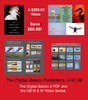
The BIRDS AS ART Digital Basics Collection
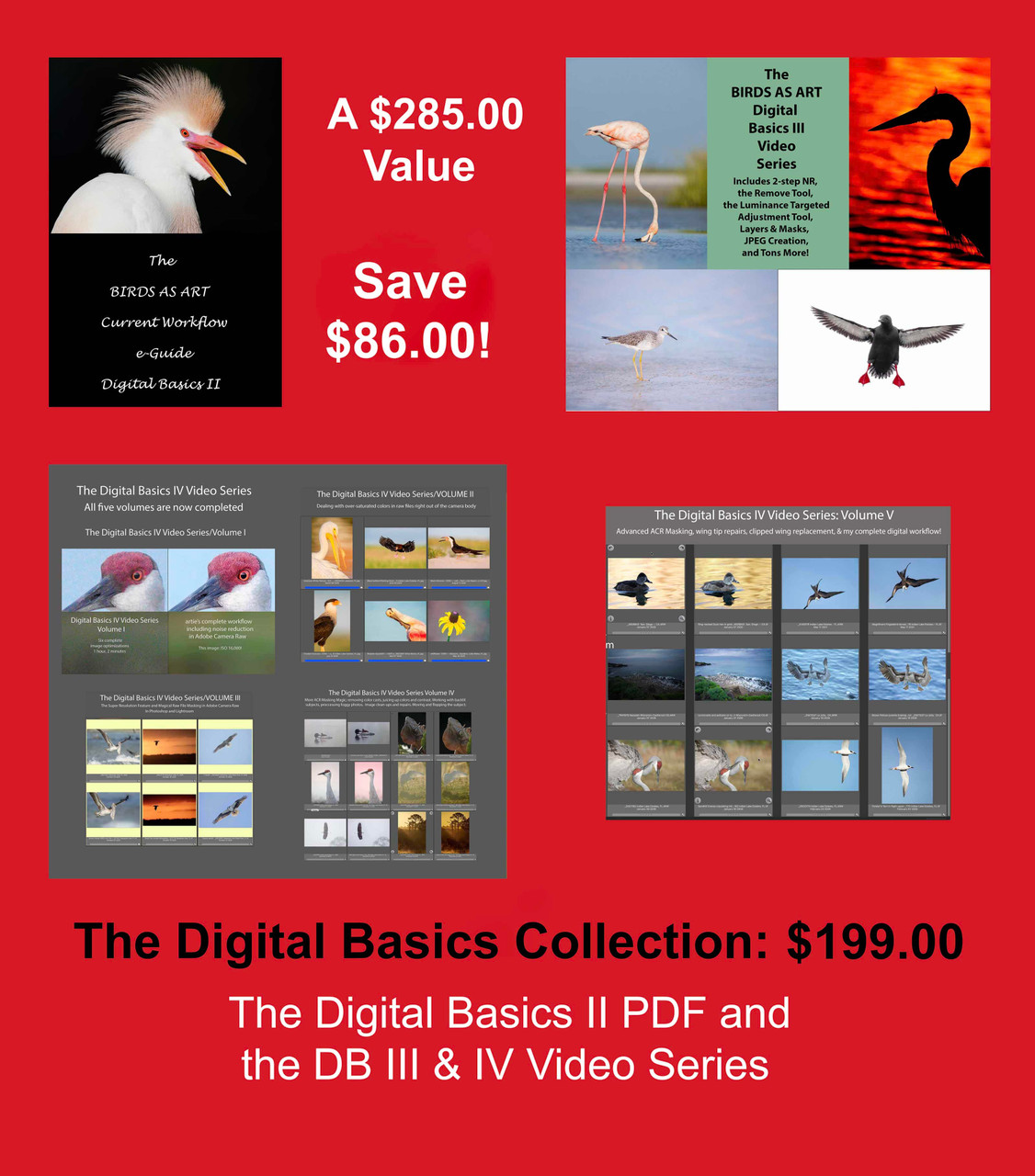
Hover over image to zoom


)
Product Description
The BIRDS AS ART Digital Basics Collection
Artistry and Creativity in Image Optimization
The fact is that I enjoy working on my images and on the images of others as much as I do being in the field with the birds and creating the photographs. Now, please do not get me wring: junk in equals junk out (JIJO) and that will never change. However, there is virtually unlimited potential in nearly all sharp digital images that is waiting to be unlocked by those with an artistic eye and a reasonable level of skill. Having both I am often able to turn a near-delete into something worthy of oohs and ahs. Then there is the matter of taking a properly exposed to the right, washed out, flat raw file and bringing it to life using the sliders in Adobe Camera Raw in both Photoshop and Lightroom. While I excel at cleaning up distracting stuff in an image using a variety of tools and techniques, I almost always manage to preserve the natural history of the photo while creating an artistically pleasing version of the original. And when I don’t, if I move a bird around in the frame or add something to an image, for example, I let folks and editors know. The tools and techniques that I use include the Patch Tool, the amazing Remove Tool,Tool, Content Aware Fill, Content Aware Crop (to expand canvas), the Clone Stamp Tool (rarely), Quick Masks, Regular Layer Masks, Inverse (Black or Hide-all) Masks, and Divide and Conquer.